
Apple Notes AI Features for Meetings and Research
 0
0
 0
0 Direct Answer
Integrating Apple Notes AI features turns standard text files into an intuitive workspace equipped with direct voice recording, automated transcription, AI text summaries, collapsible headers, cross-note linking, document scanning, protected entries, and fast cross-device search across the Apple ecosystem.
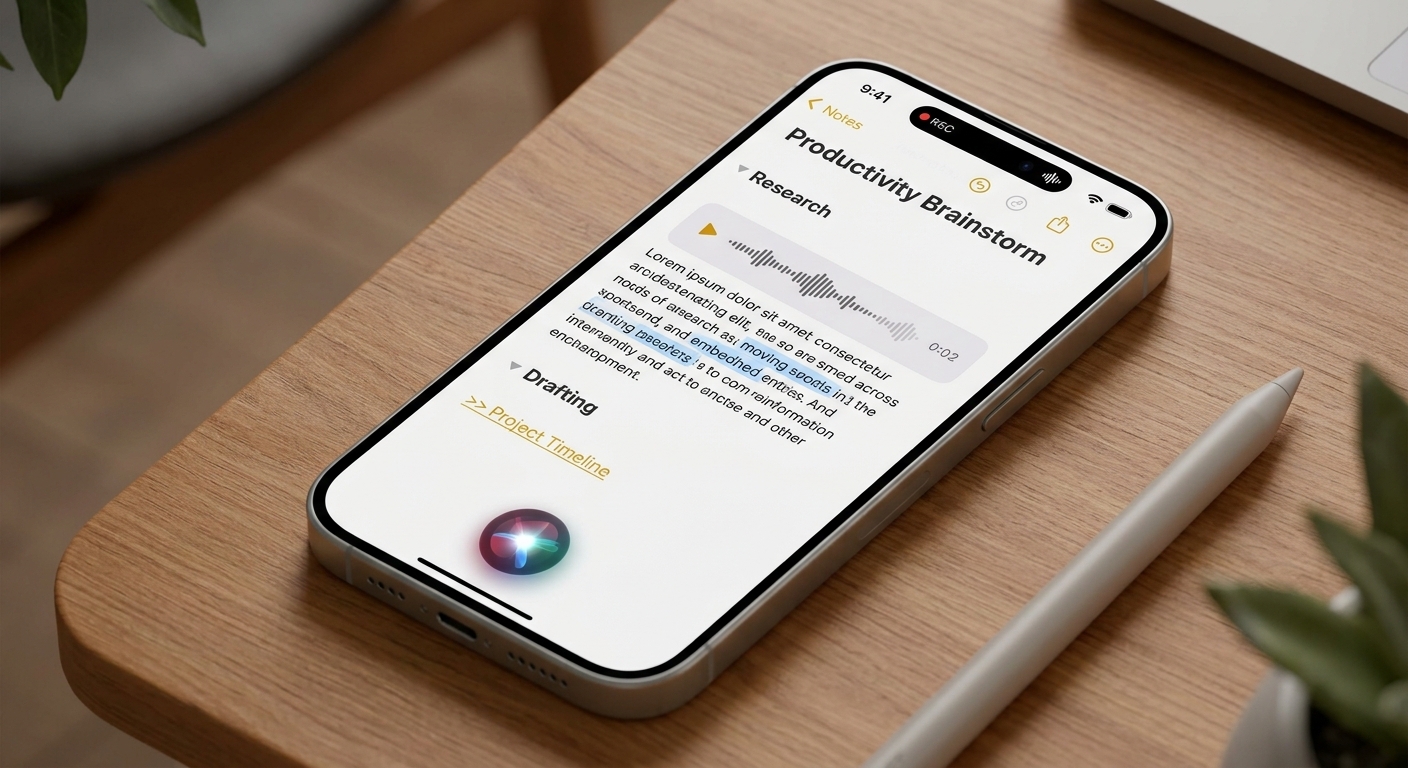
Meetings and research create too much loose information. Apple Notes AI features give users a cleaner way to capture what happened, summarize it, and keep the follow-up material searchable.
Meetings Need Better Capture
Meetings often fail because the notes are incomplete or hard to revisit. Recording and transcription make the original discussion easier to review.
That is why Apple Notes AI features are useful for people who capture a lot of information but do not want to maintain a complicated second-brain system.
Key Highlights
Direct Audio Capture: Record lectures, interviews, and team discussions directly within any active note canvas.
Searchable Speech Transcripts: Convert voice recordings into searchable text records instantly.
AI-Powered Summaries: Generate quick executive outlines of lengthy transcripts on supported Apple Intelligence hardware.
Collapsible Headings: Fold long sub-sections to keep complex research notes neat and easy to scan.
Interlinked Notes: Hyperlink related meeting agendas, research documents, and task lists together.
Siri & Contextual Search: Locate saved entries using natural language, scanned document text, or specific keywords.
Integrated File Scanner: Digitally store physical receipts, paper forms, and handwritten notes alongside digital content.
Biometric Lock Protection: Secure sensitive business records or personal research with passcode and Face ID encryption.
Structured Knowledge Base: Linking related notes with consistent subheadings builds a scalable long-term research hub.
System Compatibility and Hardware Support
Core Utility Tools
Foundation features—such as audio recording, live transcription, folding headers, document scanning, note linking, and file locking—operate smoothly across modern iOS, iPadOS, and macOS versions.
Apple Intelligence Features
Advanced automated summaries and enhanced Siri functionality require Apple Intelligence device support. Users should verify their hardware compatibility before establishing a full summarization routine.
How to Use Apple Notes for Audio and Transcripts
Convert Spoken Dialogue into Searchable Text
Open any entry, select the attachment menu or plus button, and start recording audio. Once finalized, the system creates a full transcript, making the spoken content simple to search and review.
Simplify Complex Interviews and Lectures
For research sessions, client meetings, and academic courses, this capability stands out as one of the most effective Apple Notes AI features, converting raw spoken dialogue into actionable text for later organization.
Improving Research Recall and Note Organization
Maintain a Clear Paper Trail
Research notes gain significantly more value when they are connected, scanned, summarized, and searchable. Utilizing built-in AI tools preserves the complete trail of source materials over time.
Establish a Standardized Layout
Users leveraging Apple Notes AI features should apply a simple, consistent template across all project entries:
Context Header: High-level overview and meeting objectives.
Action Items: Delegated tasks and immediate to-dos.
Reference Materials: Source links, audio transcripts, and attached document scans.
Follow-Up: Next steps and scheduled review dates.
Quick Organization Shortcuts
Pin Active Projects: Keep ongoing meeting hubs and primary research files pinned to the top of your notes list.
Scan Paper Documents: Attach physical contracts, paper handouts, and handwritten pages directly to your entries. For detailed scanning and signing controls, refer to Apple’s guide on scanning documents on iPhone or iPad.
Lock Private Records: Protect confidential research data and personal documents with device security. Follow Apple’s password protection setup guide to secure individual files.
Apply Consistent Titles: Use structured subheadings to make long research files easy to collapse and search.
Connect Related Files: Link meeting outlines, source references, document scans, and follow-up checklists.
Related Reading: What Did Tim Cook Share in His Final Memo as Apple CEO?
Frequently Asked Questions
Can Apple Notes convert audio recordings into text transcripts?
Yes. Modern versions of the app allow users to record audio directly inside a note and automatically generate a searchable text transcript.
Are all Apple Notes AI features supported across every Apple device?
No. Basic organizational tools work across most modern Apple operating systems, but advanced AI summarization and smart assistant capabilities require hardware compatible with Apple Intelligence.
What is the best initial workflow to test?
Setting up a meeting template or research project is the ideal first test, as it immediately leverages voice recording, transcript searching, AI summaries, collapsible headers, and interlinked references.
Bottom Line
The true value of Apple Notes AI features lies in making captured information effortless to locate and put into practice. Record the discussion, generate the transcript, organize with collapsible headers, link supporting research, scan physical papers, and use system search when it is time to execute.
Related reading on boostupblogging.com: How to Change Safari Downloads Location on iPhone and iPad; How Do I Change Instagram Notes to White?.